JenerScouts for Windows and Linux

Security news, in plain English.

Every story tells you what happened, whether it affects you and what to do, with a score from 0 to 10 so you can see at a glance what matters. Free, and no account needed.

Windows 10 and 11, 64-bit, where updates install by themselves. Also on Linux (AppImage and .deb) from GitHub.

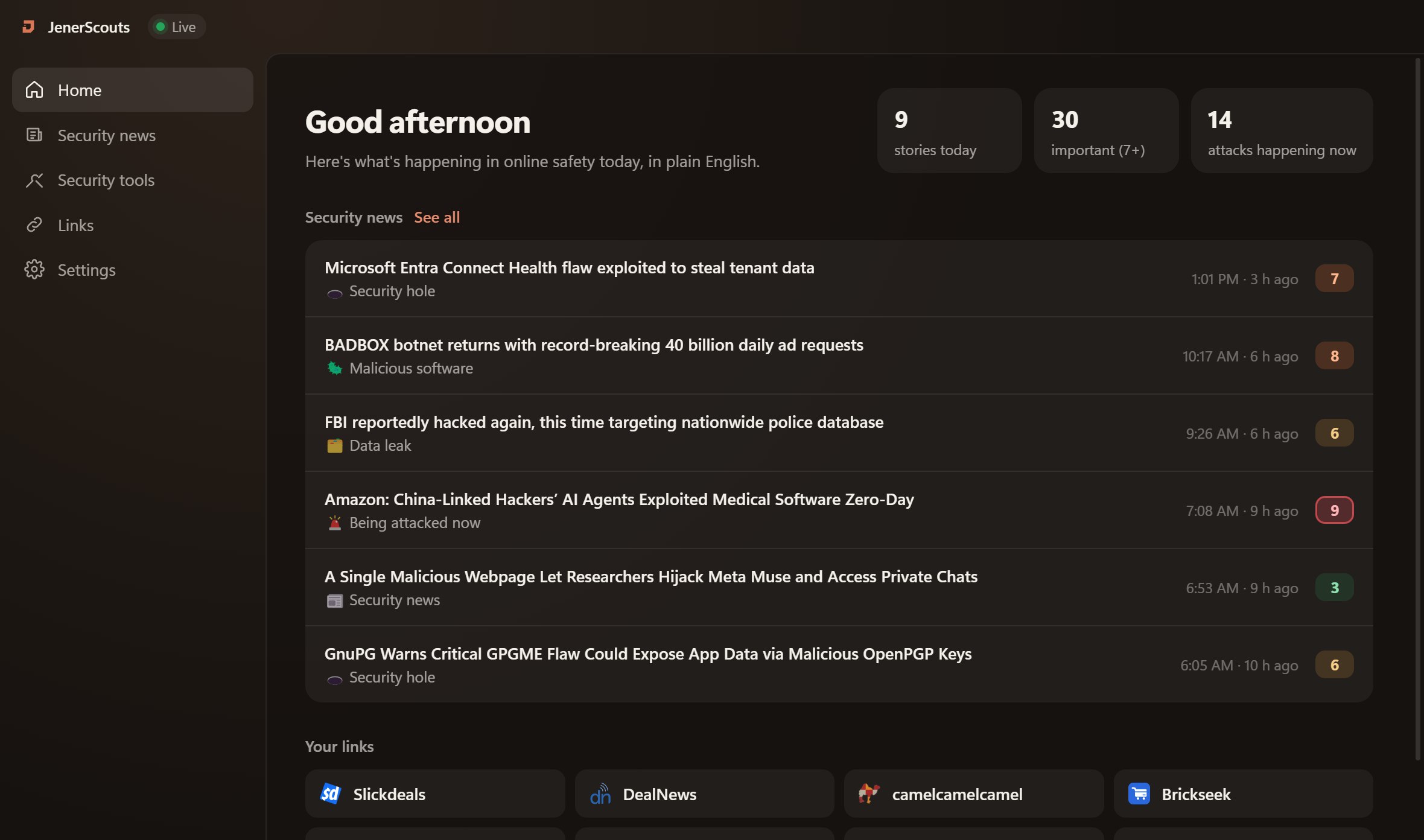
The JenerScouts home screen: today's security stories, each with a 0 to 10 score.

What it does.

Four screens, written so anyone in the family can follow them.

01 · News

Stories anyone can follow.

The latest from trusted security sites, each with a short note on what happened, whether it affects you and what to do. Filters pull out scams, data leaks and updates.
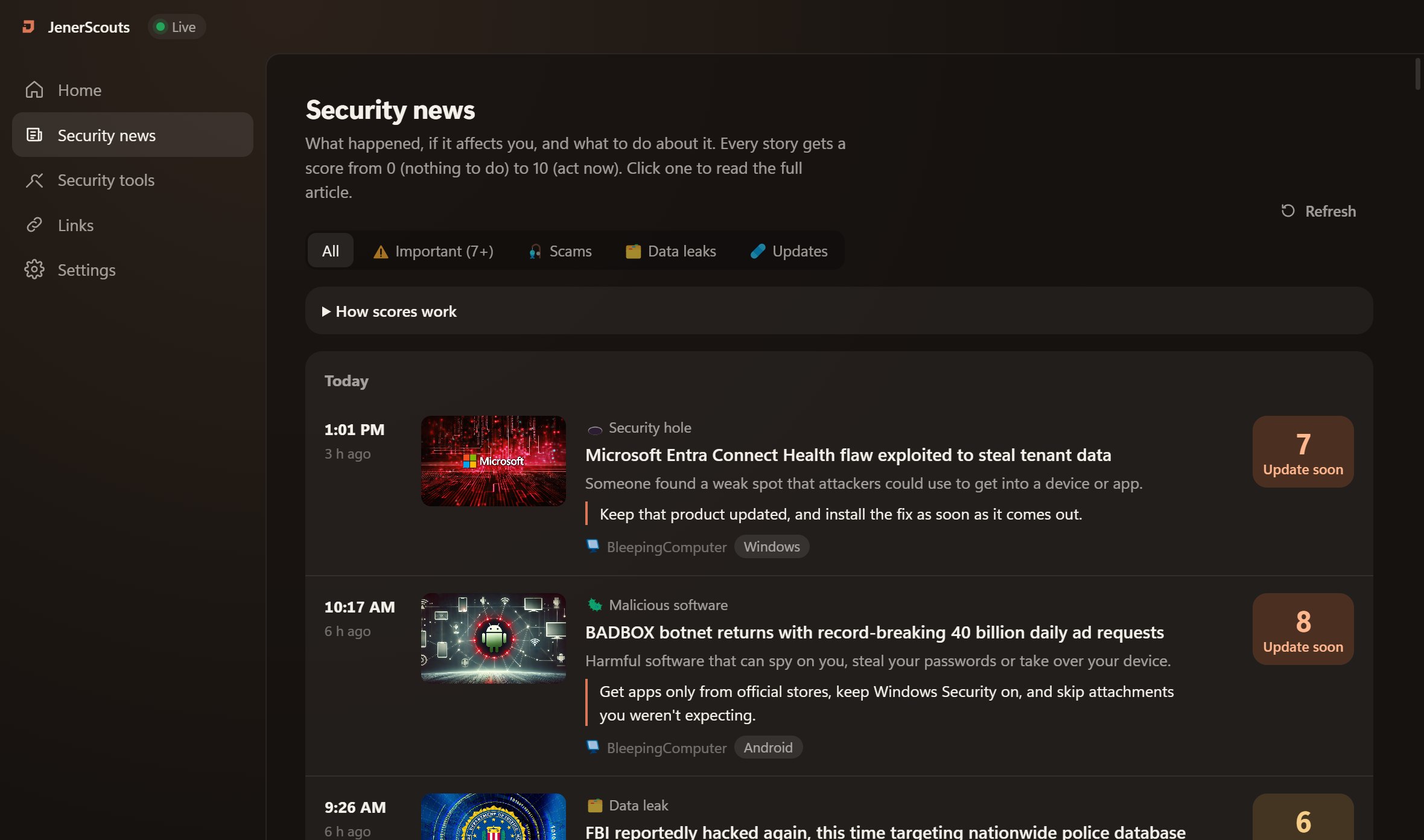
The Security news page: recent stories with source names and times.
02 · Score

See what matters at a glance.

Every story gets a score from 0 to 10. When it names a CVE, you also get the official severity and whether criminals are already using it. Serious ones show up as a desktop alert.

The JenerScouts home screen with scored security stories.
03 · Tools

Small tools for staying safe.

Check a password's strength and whether it's been in a leak. Paste a link from an email or text to spot scam tricks. Look up a CVE, or see what's being exploited right now.

The leak check sends only the first 5 characters of a scrambled (SHA-1) version of your password. It never leaves your PC.
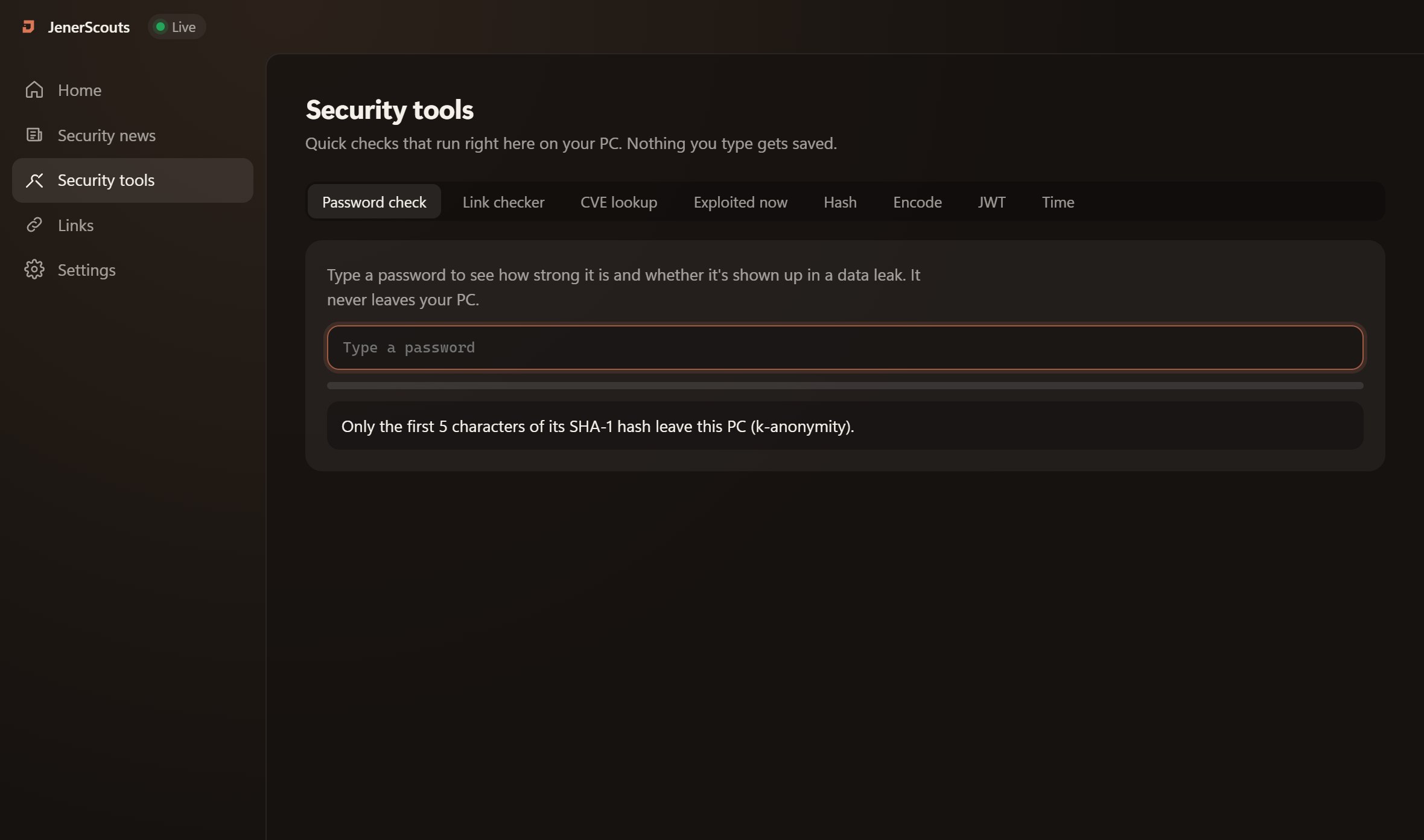
The Security tools page: password check, link checker, CVE lookup and more.
04 · Optional

Deals, if you want them.

Turn on the Deals tab for live deals and price mistakes from Slickdeals, DealNews and Ben's Bargains. It's off by default, so leave it off if you only want the news.
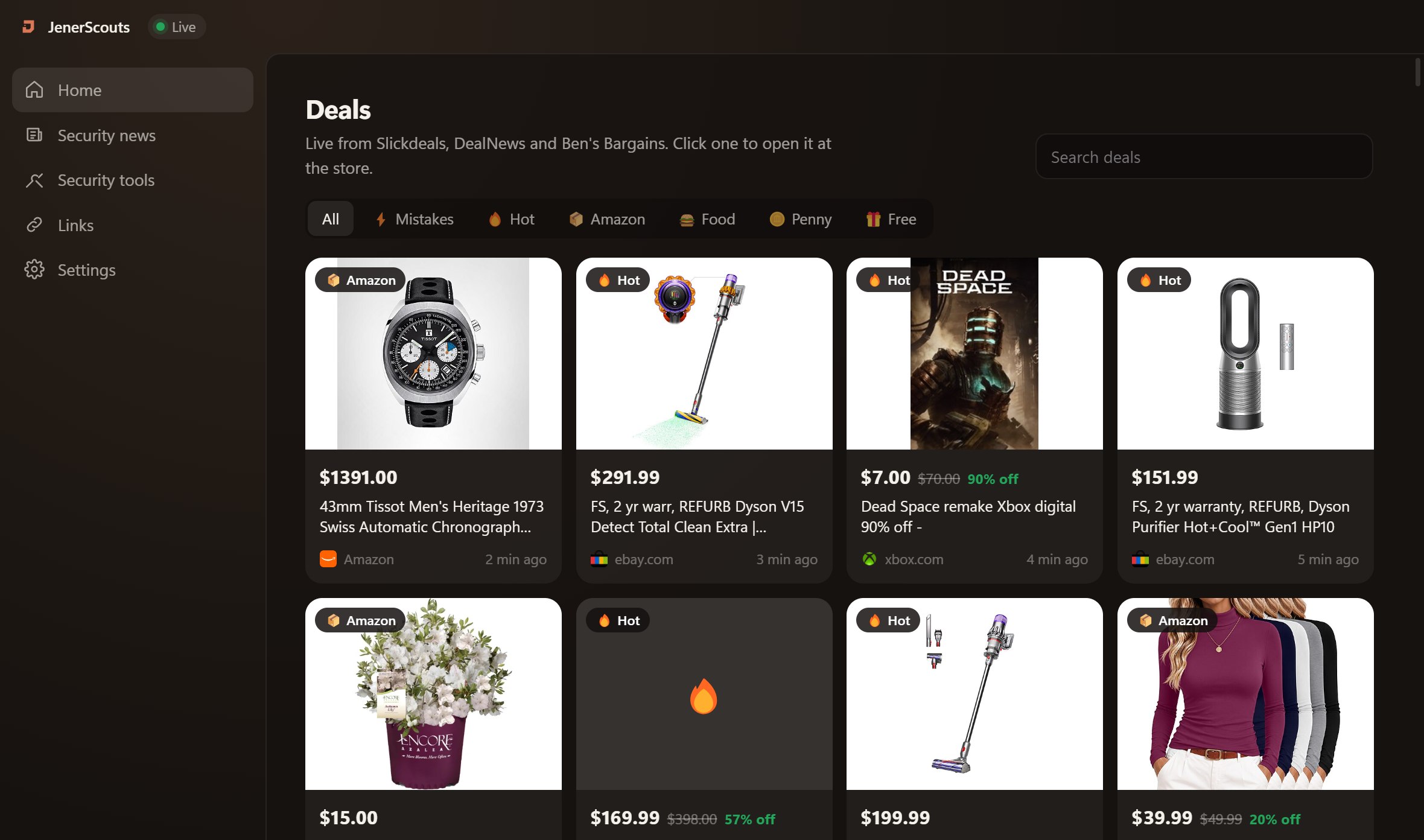
The optional Deals page: product cards with photos, prices and percent off.

Made for everyday safety.

Three things it does for you, without any setup.

A heads-up when it matters.

When a story scores 7 or higher, you get a Windows alert. Everything else waits until you open the app.

Check a password, privately.

See if a password has been in a data leak. Only the first 5 characters of its scrambled form are sent, never the password.

Spot a fake link.

Paste a link from an email or a text, and JenerScouts points out the tricks scammers use before you click.

What a story looks like.

The headline, what it means for you, one thing to do, and a score you can read from across the room.

One story in JenerScouts: Microsoft Entra Connect Health flaw exploited to steal tenant data, scored 7, Update soon, with a plain-English note and the advice to install the fix.
The Security news page with filters for important stories, scams, data leaks and updates.
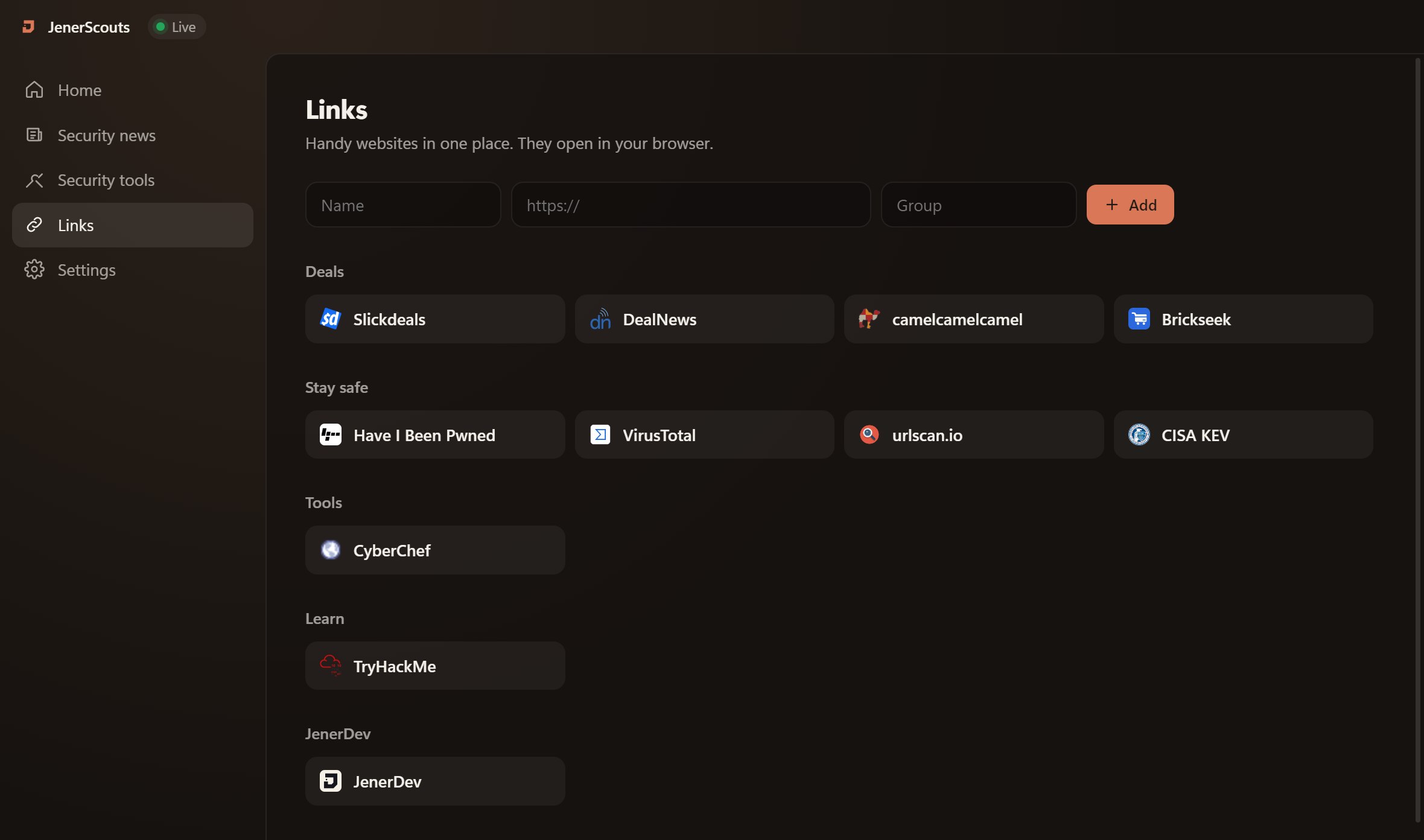
The Links page: saved shortcuts to sites like Have I Been Pwned and VirusTotal, each with its own icon.

Installing it.

The easiest way is the Microsoft Store: one click, no warnings. These steps are for the GitHub download.

  1. Download the installer. Get the Setup .exe file from the latest release on GitHub.
  2. If Windows shows a blue “Windows protected your PC” box, click More info, then Run anyway. That shows up because the installer isn't code-signed yet (signing certificates cost money). The code is open on GitHub if you'd like to check it.
  3. Open JenerScouts. Security news starts loading right away. Closing the window keeps it in the tray so alerts still arrive.
  4. On Linux? From the latest release, get the .AppImage (most distros: make it executable, then run it), the .deb for Debian and Ubuntu, or the .tar.gz. Linux builds don't update by themselves, so check the releases page for new versions.

Your data stays on your PC.

No account and no tracking. Your settings stay on your PC. The app only reads public news and deal feeds, and gets updates from GitHub.

If you turn on Deals: prices come from the stores and deal sites and can change at any time. As an Amazon Associate, JenerScouts earns from qualifying purchases.

What's new

1.1.0

  • New Home screen with today's threat level, the top story and quick checks
  • Built-in reader that blocks ads and pop-ups
  • CVE details on news stories
  • Fixed deal filters, with placeholders for deals without photos
  • Mouse back and forward buttons
  • Custom icons, smoother scrolling, rounded window corners
  • Security update to Electron 44
  • Now available for Linux (AppImage and .deb)

1.0.10

  • Now on the Microsoft Store
  • Tray menu hides Deals when deals are off
  • Transparent taskbar icon

1.0.7 – 1.0.9

  • Renamed from JenerDev to JenerScouts
  • First-run setup: news only, or news and deals
  • Signed installer with automatic updates

1.0.0 – 1.0.6

  • First public builds: security news, deals, desktop alerts and tray icon

Get JenerScouts for Windows and Linux.

Free on the Microsoft Store. No account, and your settings stay on your PC.